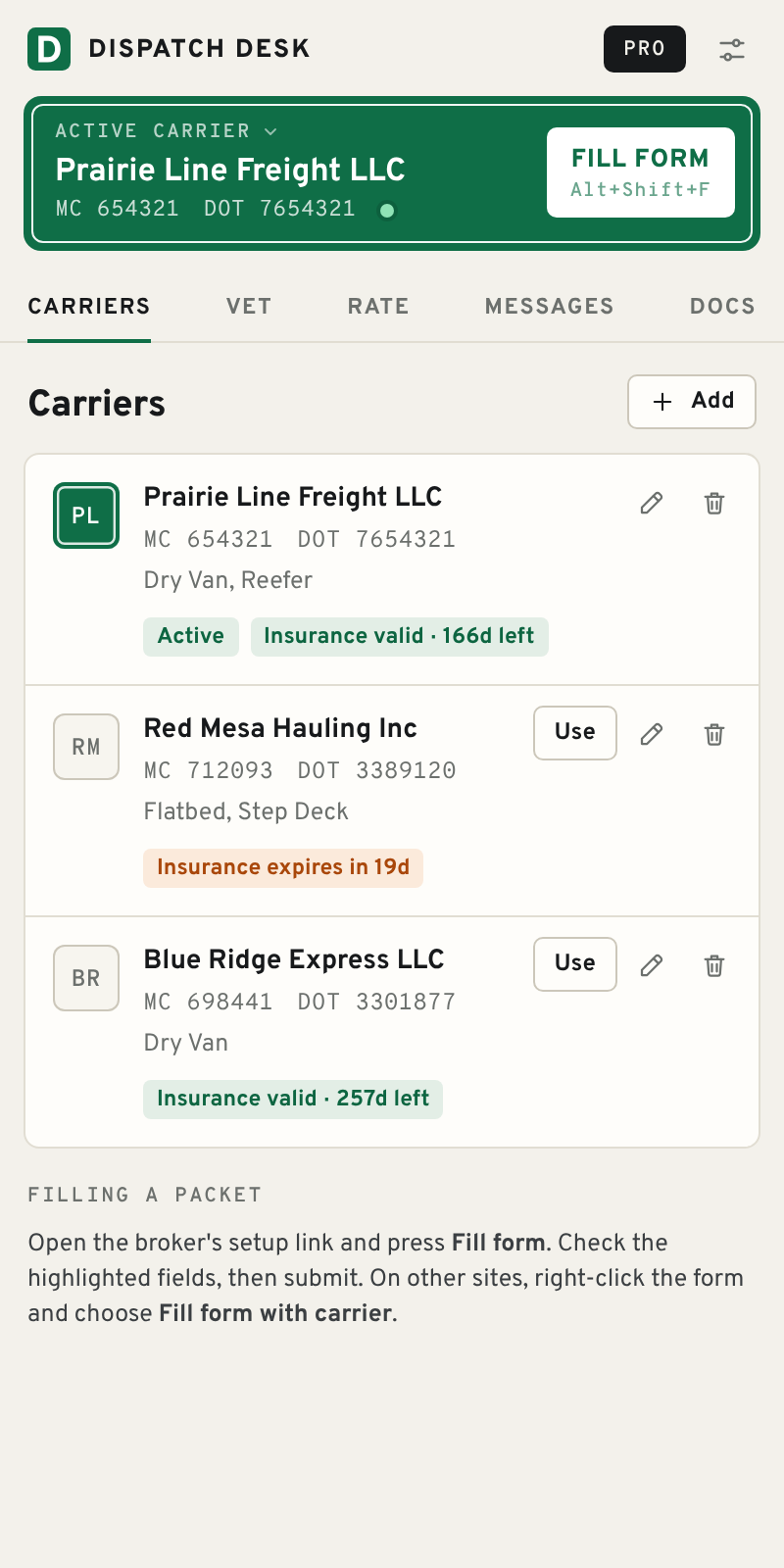
Dispatch Desk is a side panel for Chrome. Save each carrier once, then fill any broker's setup form, vet the broker's MC number and work out the real rate per mile without leaving the load you're on.
Fills setup forms onRMIS · MyCarrierPackets · Highway · brokers' own forms
Every new broker wants the same packet. Every rate con needs checking against your target. Every broker deserves a look at their authority and bond. Dispatch Desk does the repetitive part so you can stay on the phone.
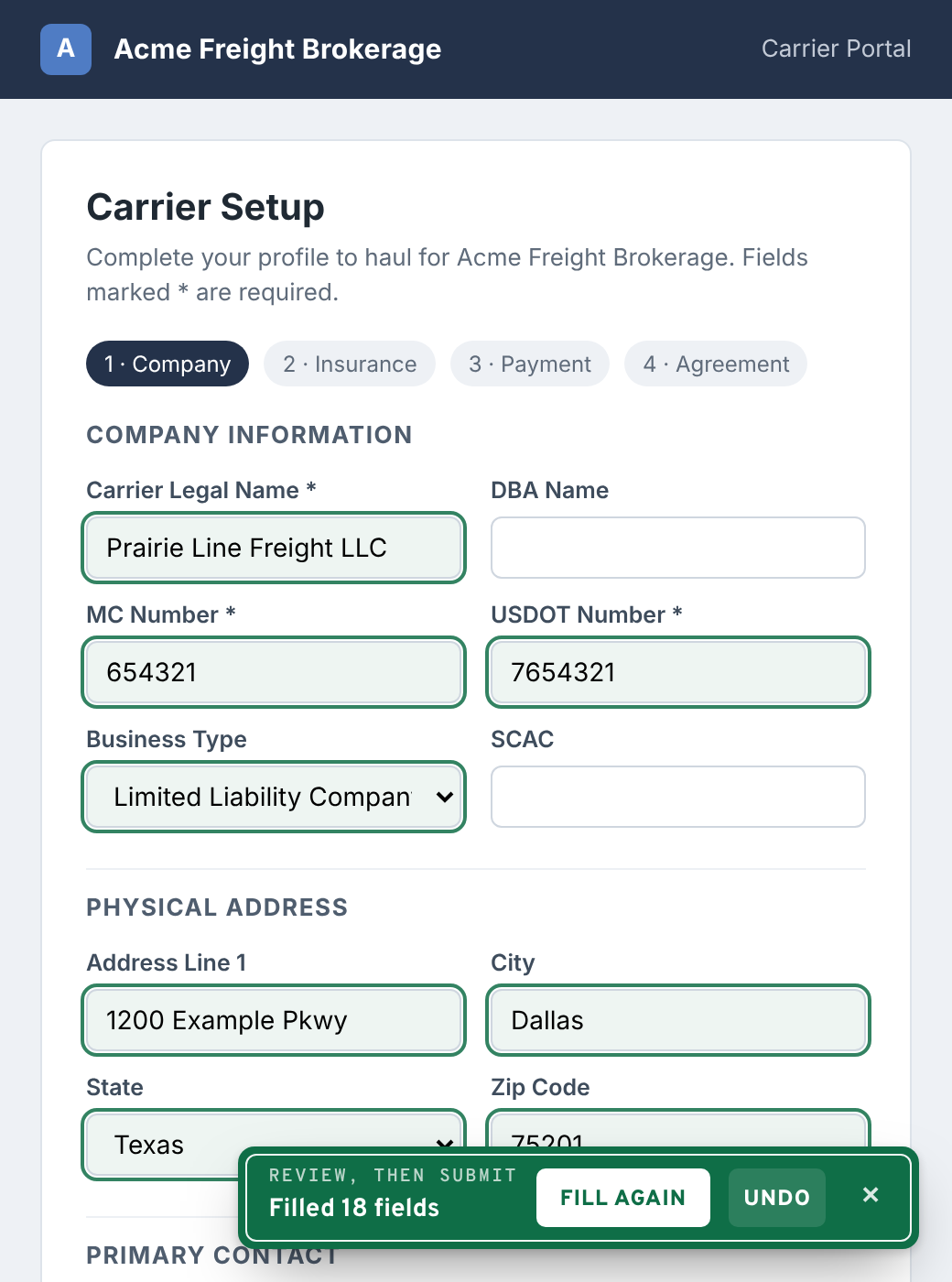
Enter a carrier once: company, MC and DOT, owner and dispatcher contacts, insurance, equipment, factoring. On a broker's carrier setup page, press Fill form.
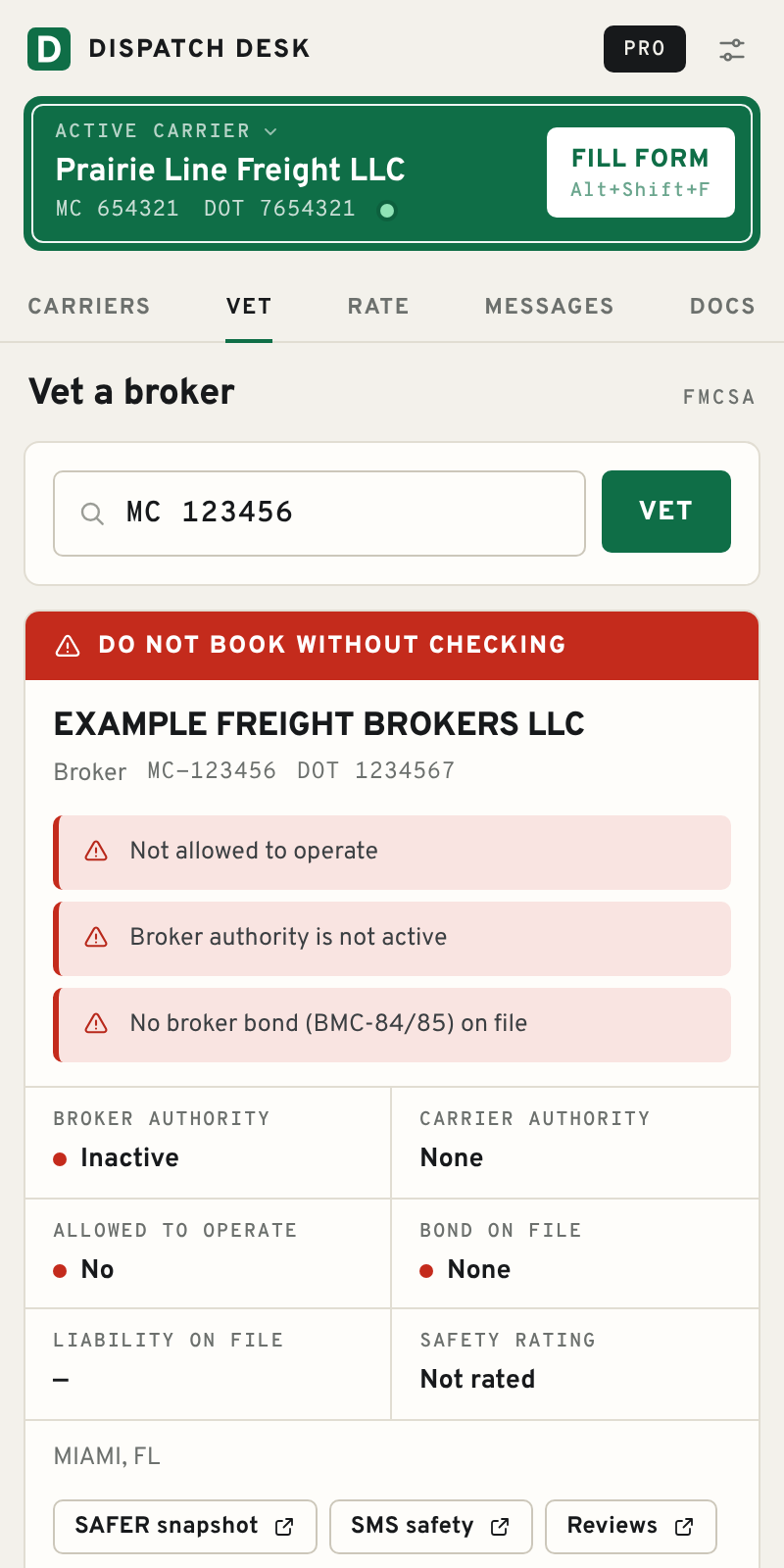
Type or highlight an MC or DOT number and right-click → Vet. Dispatch Desk pulls the broker's record from FMCSA's public data and flags what matters.
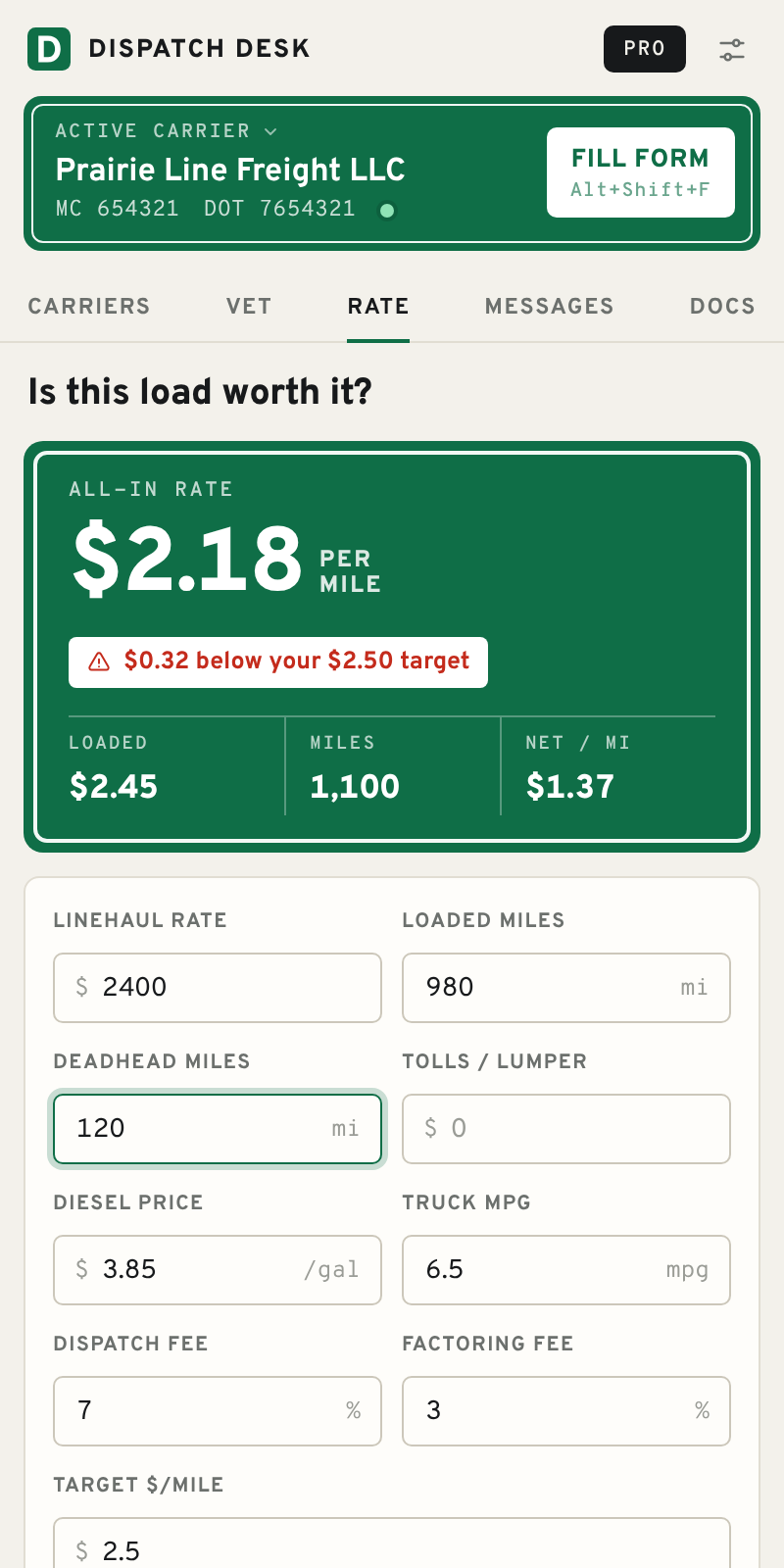
Rate, loaded miles and deadhead in; all-in and loaded rate per mile out, with fuel, dispatch and factoring fees taken off so you see what the carrier actually nets.
Load details and the carrier's info drop into ready templates: driver dispatch sheet, truck available, rate counter, check call. Copy, email or text the driver. Add your own templates.
Download a rate con, BOL, POD, invoice, COI, W-9 or NOA and it's saved to Downloads/Dispatch Desk/<Carrier>/ with a clear name. Pro adds a folder per load number.
Carrier profiles, notes and settings live in Chrome on your machine. There is no Dispatch Desk server to leak them. Back up to a file whenever you like.
EIN, routing and account numbers are encrypted with a passphrase only you know (AES-256). Without it they can't be read, not even by us.
It never submits a form, never logs in for you and never reads or copies anything from DAT, Truckstop or other load boards.
The free plan is the whole tool for an owner-operator or a dispatcher with one truck. Pro removes the limits.
Payments are handled by Dodo Payments. You get a licence key by email; paste it into Settings → Licence. 14-day money-back guarantee, see the refund policy.
On RMIS, MyCarrierPackets and Highway setup pages a Fill form button appears in the corner. On any other form, right-click inside it and choose Fill form with carrier, or press Alt+Shift+F. It matches fields by their labels, so most forms work; anything it can't place is left empty for you.
No. It only types into empty fields and highlights them. You review the form and press submit yourself. It also skips passwords, captchas and one-time codes.
It works alongside them, but it doesn't read, copy or scrape anything from load boards. When you find a load, highlight the broker's MC number (or type it in) and vet it from the panel.
From FMCSA's public carrier data (the QCMobile service): operating authority, bond and insurance on file, allowed-to-operate status, out-of-service orders and safety rating. FMCSA's records can lag, so for a high-value load also open the SAFER snapshot link shown with every result.
Only in Chrome on your computer. Nothing is uploaded or synced. Tax ID and bank details are encrypted with your passphrase. Use Settings → Back up to move your data to another computer.
Use the manage-subscription link in your Dodo Payments receipt email, or email us. You keep Pro until the end of the period you paid for. New purchases can be refunded within 14 days.
Google Chrome 116 or newer on Windows, Mac or ChromeOS.

Install free. Set up your first carrier in about five minutes.